
For cold email freelancers and agencies
Find prospects with verified business emails
Every email in the feed was checked with its own mail server before it reached you, and an address the server would not confirm was left out. That means fewer bounces on the domains you send from, and prospects whose websites went live this week.
73,211 of 105,351 businesses in the feed right now have an email its own mail server confirmed.
Bounces
Why a checked address matters more than a long list
Bounces count against the sender. Mailbox providers watch a sender's bounce rate, and a list with many dead addresses can push a whole campaign toward spam.
Every address here was published by a business whose website had gone live days before it was checked, not copied from a list years ago, so it has had little time to go stale.
01 · A prospect
A prospect, as the feed shows it
An invented accounting firm, four days after its website went live.
LockedAccounting
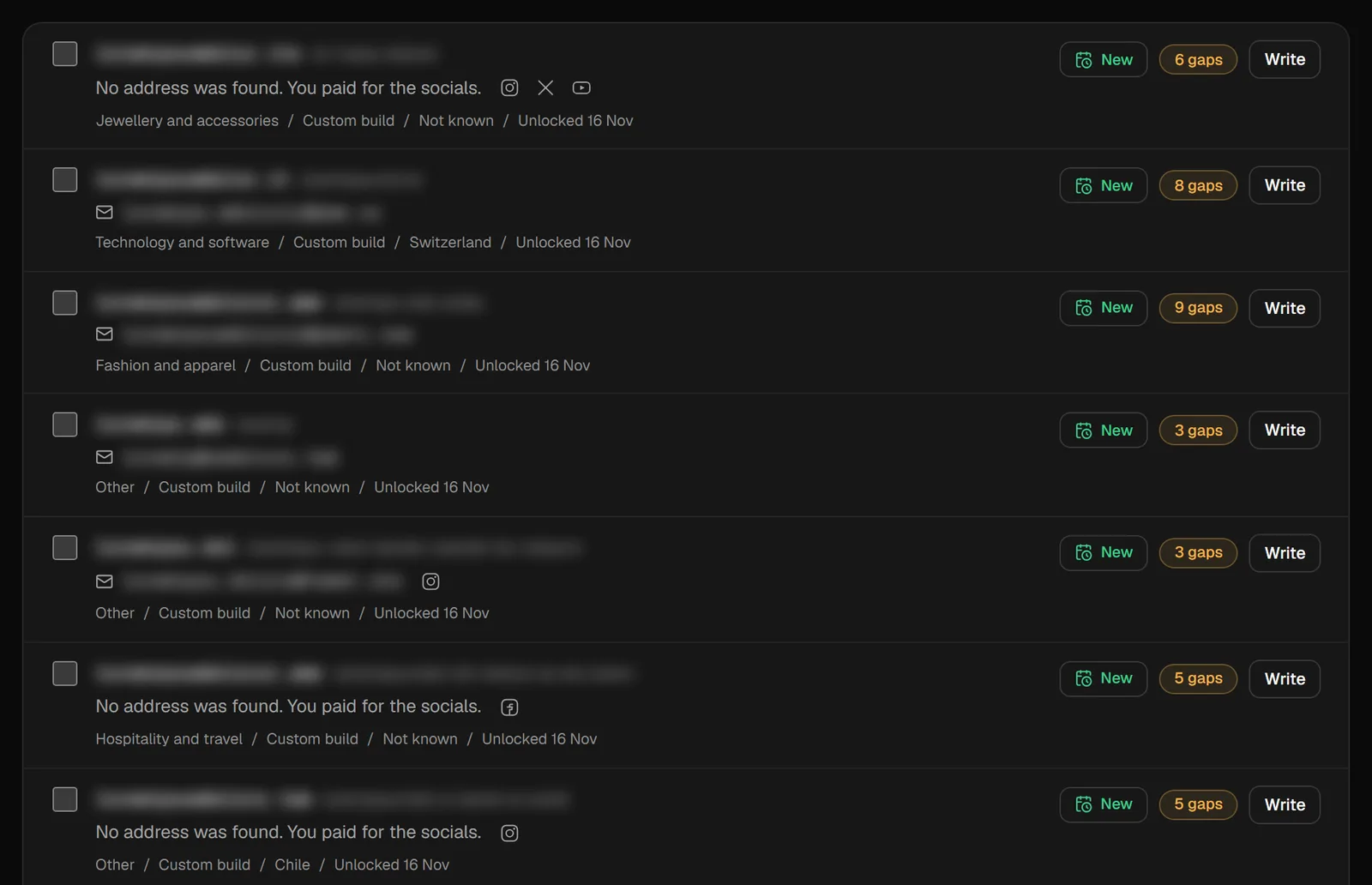
4 days old3 gapsNo meta descriptionSlow on a phoneNo DMARC recordAfter you unlock it
brightledger.example
hello@brightledger.exampleVerified
02 · The check
What verified means here
Before a lead is written to the feed, each address's own mail server is asked about it, without a message being sent. Here is what each answer does.
The server confirms this mailbox, and turns down a made-up one
The address goes into the feed.
The server says the mailbox does not exist
The address is left out.
The server will not say, or says yes to every address, made-up ones included
The address is left out too: a maybe is not a yes.
The domain is not set up for email at all
No address at that domain can be confirmed. The lead still comes in if it lists another address whose own server confirms it, or links a social profile.
03 · The first line
What each prospect tells you besides the address
A cold email needs a reason in its first line. Each lead lists what its homepage and public tests show, so you have one before you write.
- No meta description
No meta description, so Google picks the words under their name: one specific thing to mention.
- No social preview image
Their link shares as plain text, which anyone can check in a second.
- Slow on a phone
Google's phone test scores the homepage as slow, a number you can quote.
- Images could be smaller
Homepage images much heavier than they need to be.
- No DMARC record
Their own domain has no DMARC record, a natural opener if you also set up email.
- Email only forwarded
Mail to their domain is only forwarded to another inbox, with no business mailbox behind it.
A first message
A first email built on one thing you saw
Mention something about their domain they can check, offer one small piece of work, and leave an easy way to say no.
Tohello@brightledger.example
SubjectEmail from brightledger.example
Hi, I noticed Bright Ledger's website went live this week.
I took a quick look at the domain's email settings: there is no DMARC record yet, the setting that tells inboxes what to do with mail pretending to come from your domain. For a firm that sends invoices and tax letters, that is worth fixing early.
I can set it up this week for a fixed fee, with the two records it relies on. If it is not a priority right now, just reply no and I will leave it there.
How it works
From a checked address to a reply
Find it the day it launches
A business shows up in the feed within a week of launching, found through its new website's first security certificate.
See what the site is missing
Every lead lists the checks it fails, out of 23, before you spend anything.
Reach a verified email
One contact unlocks the business's emails, each confirmed with its own mail server. On Pro or Enterprise, Freddy drafts the first message from the gaps.
Questions
How is each email verified?
Our checker asks each address's own mail server whether the mailbox exists, without sending a message. Only an address the server confirms reaches the feed. If the server says no, will not say, or says yes to made-up addresses too, the address is left out. A mailbox can close after the check, so an occasional bounce can still happen.
Do you have named people and job titles?
No. Each lead gives the business's own published email addresses and the social profiles its site links, not a list of staff. If you need decision makers by name and title at established companies, use a contact database alongside it.
Can I move the leads into my sending tool?
Yes. What you unlock exports as a CSV on every paid plan, with no row limit, so you can import it into whichever tool you send from.
Can an AI assistant search the feed for a campaign?
On Pro or Enterprise, a connector lets Claude, ChatGPT or Cursor search the feed by trade, platform, country or check, so a campaign brief can start from a question.
Can I test the emails before I pay?
Yes: 3 free contacts once and the newest 50 leads a day, no card. Unlock a few, send to them, and watch the bounces yourself.
Write to addresses checked before they reached the feed.
Start with 3 free contacts once and the newest 50 leads a day, no card.