
For freelancers and agencies short on time
Find your next clients without searching manually
Scrolling maps, directories and job boards for someone to pitch eats the hours you meant for paid work. The feed brings you businesses whose websites have just gone live, with what each site is missing and an email that was checked.
940 of 105,351 businesses in the feed right now were found in the last 24 hours.
01 · Your week
What you stop doing by hand
Most of the hours go before the first email is written. This is where they go, and what takes over each job.
By handSearching maps and directories for someone to pitch
With the feedNew businesses are found on launch day, from their website's first security certificate, and wait in the feed.
By handOpening each site to see whether it is real
With the feedEach site is visited and checked to be a real business, not a parked page, a hobby blog or a test site.
By handLooking for something to say
With the feedOn Pro or Enterprise, filter by the check that matches what you sell, such as no meta description, and every lead in the list has that problem.
By handGuessing an email address
With the feedUnlock a lead and the address is there, already confirmed, so you are not guessing info@ or firstname@.
By handKeeping a spreadsheet of who you found
With the feedEverything you unlock stays on your Contacts page, and exports to CSV on the paid plans.
Time
Why searching by hand costs more than it looks
Finding one business worth writing to by hand means a search, a row of open tabs, a look at each site, a hunt for the contact page and a guess at the email. Do that for ten and the afternoon has gone before you have written a word.
The feed does the finding and the checking first, so your time goes on the part that needs you: what to say to this one business.
02 · A lead
One lead, ready to write to
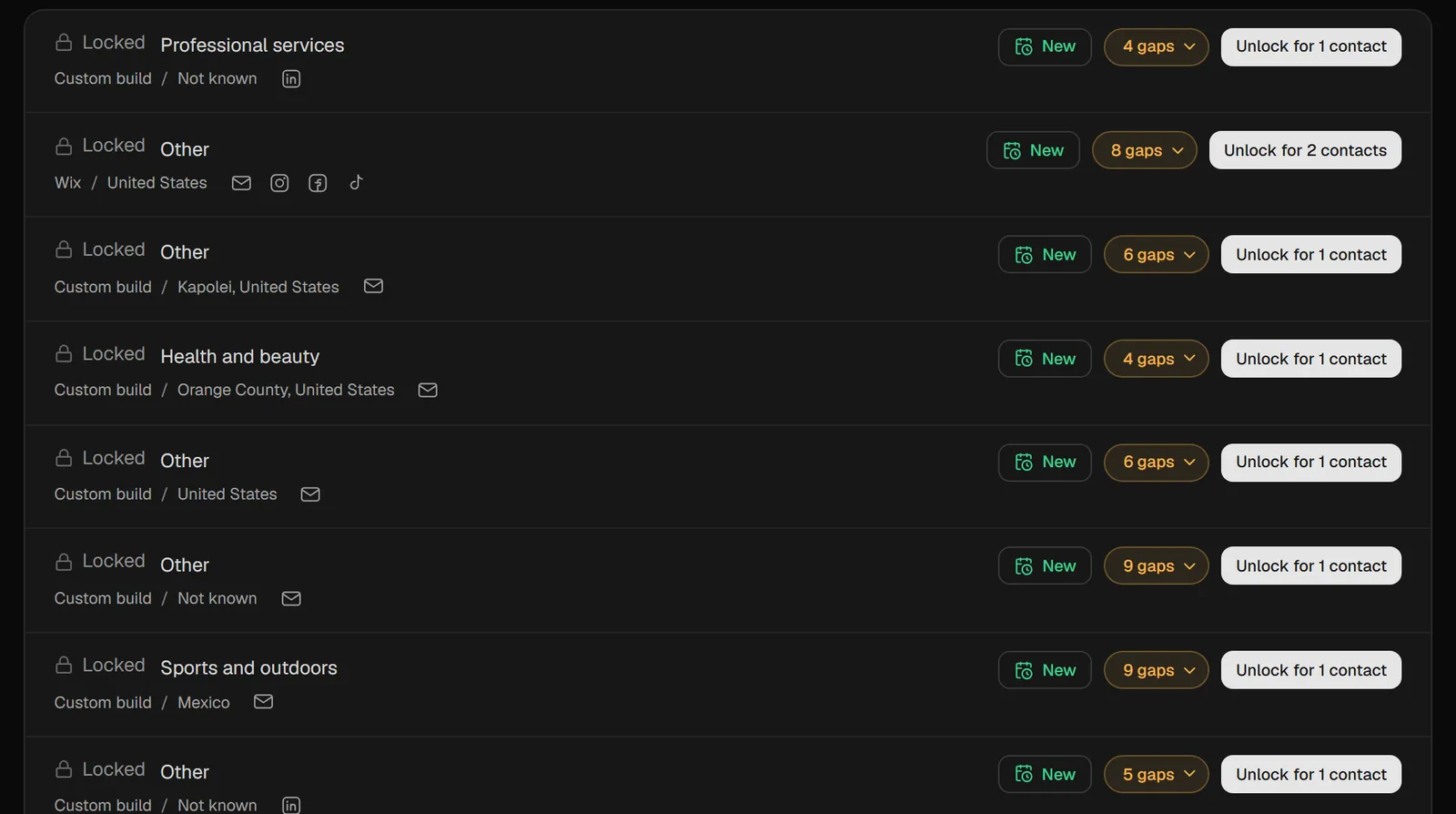
An invented plumbing firm on Squarespace, as it would look in your feed.
LockedPlumbing
1 day old3 gapsNo faviconNo meta descriptionSlow on a phoneAfter you unlock it
northsideplumbing.example
jobs@northsideplumbing.exampleVerified
03 · The opener
Something specific to say, on every lead
The homepage checks are already done for you, before you open the lead.
- No meta description
No description of their own in search results, so Google picks one.
- No favicon
A blank icon in the browser tab instead of their logo.
- Copyright years behind
The footer still shows an earlier year.
- Not exactly one H1
The homepage has no single main heading, which search engines look for.
- Low security grade
Mozilla's public test finds basic browser protections switched off.
- Images with no alt text
Images on the homepage without any description.
A first message
A short first email
Take one gap from the lead, say what it means for the business, and offer one small job at a fixed price.
Tojobs@northsideplumbing.example
SubjectNorthside Plumbing's new site
Hi, congratulations on the new Northside Plumbing site.
Two small things: the browser tab shows a blank icon where your logo should be, and the homepage is slow to load on a phone, which matters when someone needs a plumber in a hurry.
I build and fix sites for local firms, and I could sort both this week for a small fixed fee. Would that be useful?
How it works
From a new business to your first reply
Find it the day it launches
A business shows up in the feed within a week of launching, found through its new website's first security certificate.
See what the site is missing
Every lead lists the checks it fails, out of 23, before you spend anything.
Reach a verified email
One contact unlocks the business's emails, each confirmed with its own mail server. On Pro or Enterprise, Freddy drafts the first message from the gaps.
Questions
Do I need to be an agency to use it?
No. It works for one person on their own. On the top plan, a team of five at most shares one pool of contacts.
What kind of businesses are in the feed?
Real businesses and online stores, each found in its first days online: trades, clinics, shops, studios and more, on WordPress, Shopify, Wix, Squarespace and other platforms. Parked domains, test sites and hobby blogs are left out.
Do I still write the email myself?
Yes. On Pro or Enterprise you get a draft built from the lead's own gaps; change it to sound like you, then send it.
Can I narrow it to my kind of client?
On Starter, Pro or Enterprise, filter by trade, platform, country and the checks that match what you sell. Without a plan you see the newest 50 leads a day.
Is there a free way in?
Yes: 3 free contacts once and the newest 50 leads a day, no card. The plans are on the pricing page when you want more.
Let the feed do the searching.
Start with 3 free contacts once and the newest 50 leads a day, no card.