
For sales teams building prospect lists
Build prospect lists from newly launched businesses
A bought list starts ageing the day you get it. Build yours from the feed instead: businesses found in their first week online, filtered to your market, unlocked in one go and exported to the CRM your team already works from.
940 of 105,351 businesses in the feed right now were found in the last 24 hours, each a row your list did not have yesterday.
01 · The list
From a filter to a CRM import
Five steps, the same every week. Each says which plans it opens on.
Filter
Pick the slice you sell to: trade, platform, country, and the check that matches your offer.
On Starter, Pro or Enterprise
Save the search
Keep those filters under a name and open them again any morning, 25 searches at most.
On Pro or Enterprise
Hear about new matches
Each saved search with new matches emails you its list in the morning. A quiet day sends nothing.
On Enterprise
Unlock the page
Tick leads, or select all as you scroll, and unlock them in one press with one charge: as many as 1,000 at a time, as far as your contacts go.
On Starter, Pro or Enterprise
Export to your CRM
Download the batch as a CSV, one row per contact, and import it into the tool your team already uses.
On Starter, Pro or Enterprise
Bought lists
Why build the list instead of buying one
A bought list is a snapshot. Its businesses were collected before you paid, some have moved or closed since, and the seller can sell the same file again.
The feed adds businesses as their websites go live, so a list built from it this morning can hold businesses that were not online last week, and the site age filter keeps it to the newest.
02 · A row
One row of the list, before and after it is unlocked
An invented landscaping firm on Wix, found three days after its site went up.
LockedLandscaping
3 days old3 gapsNo meta descriptionCopyright years behindSlow on a phoneAfter you unlock it
oakridgelandscaping.example
office@oakridgelandscaping.exampleVerified
03 · The opener
A reason to write, on every row
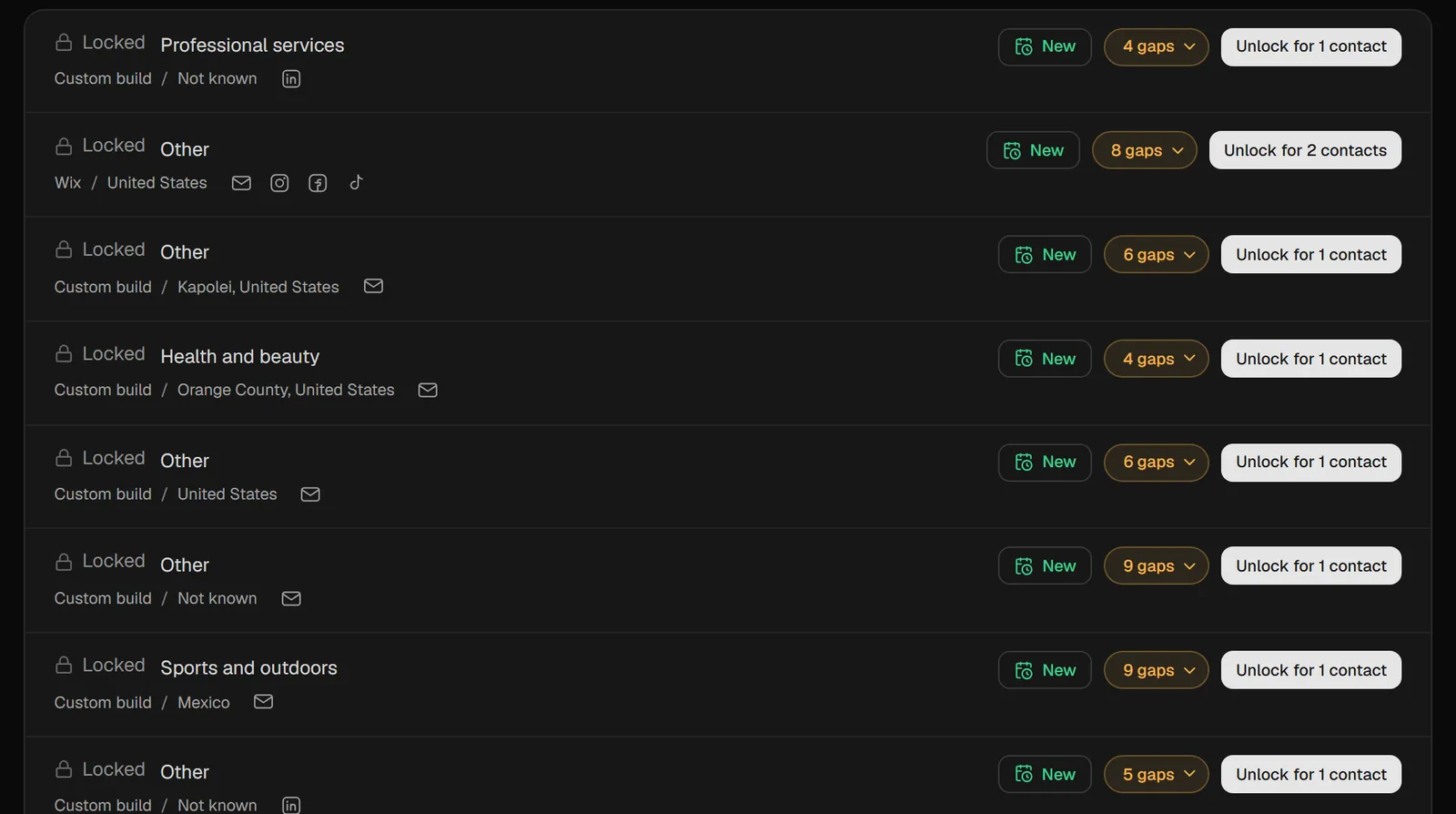
Each lead lists the checks its site fails. Filter by the one that matches what you sell, and every lead in the list has it.
- No meta description
Google writes the line under their name in search results for them.
- Slow on a phone
The homepage scores as slow on Google's own phone test.
- No DMARC record
No DMARC record for the domain's email yet.
- Email only forwarded
The domain's mail goes through a forwarding service, with no mailbox of its own behind it.
- Copyright years behind
The footer shows an old year, often left over from the template, which makes a new site look neglected.
- Loads assets over http
Some files on the homepage still load over plain http.
A first message
A first email a rep can send from the row
Open with the business, give one thing from its row, and ask for a short call.
Tooffice@oakridgelandscaping.example
SubjectOakridge Landscaping in search results
Hi, congratulations on getting the Oakridge Landscaping site live.
I searched for you and noticed the homepage has no description of its own, so Google picks the line that shows under your name.
We help trades get found by people searching nearby. Would a ten minute call this week be worth it?
Questions
How many leads can we unlock at once?
On Starter, Pro or Enterprise, tick leads or select all as you scroll, as many as 1,000 a press and as far as your contacts go, and one charge covers the lot. A lead you already own is never charged again.
What is in the export?
A CSV file, one row per contact: the website, the business name, up to three emails with how each was checked, the social links and the day you unlocked it. It downloads on Starter, Pro or Enterprise, with no row limit.
Can a saved search tell us when there is something new?
Yes, on Enterprise: each saved search with new matches sends its own email in the morning, and a quiet day sends none. Saved searches come with Pro or Enterprise, 25 at most.
How do we tell which businesses can afford us?
On Enterprise, the Ready to spend filters keep the leads whose site carries an ad network's tracking tag or a paid marketing tool, or says the business was founded three or more years ago. Each lead shows which, with links to check for live ads.
Can each rep have their own login?
Yes, on Enterprise: a team of five at most, every rep signing in as themselves and unlocking from the team's shared contacts.
Is there a free way in?
Yes: 3 free contacts once and the newest 50 leads a day, no card. The plans are on the pricing page when you want more.
How it works
From a new business to a booked call
Find it the day it launches
A business shows up in the feed within a week of launching, found through its new website's first security certificate.
See what the site is missing
Every lead lists the checks it fails, out of 23, before you spend anything.
Reach a verified email
One contact unlocks the business's emails, each confirmed with its own mail server. On Pro or Enterprise, Freddy drafts the first message from the gaps.
Build your next list from this week's new businesses.
Start with 3 free contacts once and the newest 50 leads a day, no card.