
To find businesses that need SEO, look at websites that went live in the last few days and check each homepage for the basics search engines read: a meta description, structured data, alt text on images, a page that loads quickly on a phone. A new site missing those belongs to a business that needs SEO help, and usually one that has not hired anybody yet.
Timing matters because a business in its first week online has just paid for a website and expects customers to find it. Most owners assume Google will take care of that by itself. When the phone stays quiet, they start looking for help, and the person they remember is the one who wrote first, about a problem on their own homepage.
Why is a brand new website the best time to sell SEO?
Think about who you are usually pitching. A business whose site has been up since 2019 probably has someone who "does the website" already: a nephew, a web designer on a small retainer, an agency it signed with years ago. To win that business you have to talk the owner into firing somebody, and most won't bother.
A business that launched this week has nobody. The owner is still deciding what to spend money on next, and the site is small enough that fixing it is cheap and quick. A five-page site with no meta descriptions takes an afternoon to put right. The same problem across a 400-page shop takes a week, and so does explaining why it was never done.
What the business needs depends on what it is:
- A local service (a plumber, a dentist, a cleaning company) needs to come up when people nearby search for the service. Its homepage, its contact details and its Google Business Profile have to agree with each other.
- An online store needs product and category pages that Google can read and that make people click when they show up in results.
- A consultant, coach or studio needs their own name and their main service to bring up their site, not a directory listing about them.
All three get the same thing from you at launch: the basics set up correctly before the site grows, so later work does not have to start with a clean-up. SEO takes months to pay off, and an owner who starts in week one gets those months back.
Which free sources reveal a new site in its first days?
Google is slow to find a site nobody links to yet, so a new business can be live for days or weeks before a search turns it up. These sources see it sooner. All of them are free to use by hand, and each has limits.
Certificate Transparency logs
When a website gets an HTTPS certificate, the certificate is written to public logs, called Certificate Transparency logs, so anyone can check what certificates exist. Almost every new website gets a certificate before it goes live, which makes the logs one of the earliest public signs that a website exists. You can search them at crt.sh, which accepts wildcards: searching %plumbing% lists certificates whose names contain that word.
The limit is noise. The logs list every certificate: test servers, subdomains, parked domains, personal projects, renewals of sites that are years old. Going through them by hand, you will see far more domains than you can open, and most of them are not businesses.
New domain registrations
Registries for generic endings such as .com share their zone files (the list of every registered name under that ending) through ICANN's Centralized Zone Data Service, free once your application for each ending is approved. Most country endings, such as .uk and .de, do not share theirs. Comparing yesterday's file with today's shows every new name.
The limit: a registration is not a website. Many new domains are bought by investors, held for later, or never built. You get a long list of names and very little else.
Product Hunt and BetaList
Both list new products every day, with the maker's name attached. Many have a homepage written in a hurry by a founder who did not think about search at all.
The limit: they lean heavily toward software and apps. You will rarely find the local bakery or the new accounting practice there.
Launch posts on social media
Owners announce new websites on LinkedIn, Instagram, Facebook and X. Search for phrases like "our new website is live", "we just launched" or "finally live", together with a trade or a town. You get the site and the person in the same post.
The limit: it is slow, one post at a time, and the platform decides what you see.
Google itself
Search for your niche and a town, then set the date filter under Tools to the past week. You will see pages Google dates to the past week, and some will belong to new businesses.
The limit: it shows recently published or updated pages, which are mostly established sites publishing new posts. The newest businesses, the ones with no links yet, are exactly the ones Google has not found.
Company registers
In many countries you can search new company registrations. In the UK, Companies House's advanced search lets you filter by incorporation date and by industry code.
The limit: a new company often has no website for months, and the register does not tell you whether it has one.
| Source | What you get | How early | Main limit |
|---|---|---|---|
| Certificate Transparency logs | Domains with a new certificate | Hours after a site is set up | Huge volume, mostly not businesses |
| Zone files | Newly registered names | The day after registration | Most are never built into a site |
| Product Hunt, BetaList | New products with a named maker | Launch day | Mostly software |
| Social launch posts | Site plus owner | Launch day | Slow, one post at a time |
| Google, past-week filter | Recently dated pages | Days to weeks | Skews to established sites |
| Company registers | New companies with directors | At incorporation | Often no website yet |
Before you pitch, how do you rule out parked domains and old sites?
Before you spend time on a site, run four quick checks.
When was the domain registered? Look it up with an RDAP or WHOIS tool and read the creation date. A name registered last month is promising. A name registered in 2012 may still be a new business on an old domain, so keep going.
When did it get its first certificate? Search the domain at crt.sh and look at the oldest entry. If the first certificate is from this week, the site is new as a website, whatever the domain's age.
Does it load, and is it a business? Open it. You want a homepage with real text about a real service or product, a way to buy or get in touch, and pages that are not placeholders. Skip it if you see:
- A parked page or a host's default "coming soon" screen
- Template text such as "Lorem ipsum" or "Your headline here"
- A blog, a personal page, or a hobby project with nothing for sale
- A shop full of unrelated products with no brand behind it
Has Google found it? Search site:theirdomain.com. If nothing comes back, Google has not indexed the site yet. That is not a fault you can pitch on its own, because brand new sites often take a while, but it tells you the owner has heard nothing from Google so far, and it gives you an easy way to open the conversation.
What is missing from most homepages in their first week?
These are the gaps you can see from the homepage alone, how to check each one, and what it costs the business in search. They are also the easiest things to fix, which makes them a good first job.
| Gap | How to check | What it costs the business |
|---|---|---|
| No meta description | View source, search for name="description" | Google writes its own snippet from page text, which can be menu or cookie banner text that does not sell the business |
| No structured data | Run the page through Google's Rich Results Test | Search engines get less help reading the business's name, type, address and products, and the page can't be shown with rich results |
| No social preview image | Paste the link into a chat app and see if an image appears | Shared links show up bare, so the free traffic from people sharing the site is weaker |
| No favicon | Look at the browser tab | Google shows a site's favicon next to it in search results, and a blank one looks unfinished beside competitors |
| Images with no alt text | View source, check img tags for missing or empty alt | Image search has less to go on, and screen reader users can't tell what the pictures show |
| Old copyright year | Read the footer | A visitor sees last year's date on a site that launched this week and wonders whether anyone looks after it |
| Pages loading over plain http | Type the http:// address and see if it moves to https://, then check for "Not secure" in the address bar | Browsers warn visitors, and Google has said HTTPS is a ranking signal |
| Slow on mobile | Run PageSpeed Insights on the mobile setting | Phone visitors leave before the page loads, and many local searches happen on a phone |
You won't pitch all of them. Pick the one that the owner can see and that leads into what you sell:
- If you want an SEO retainer, lead with the meta description. Google explains how it picks snippets in its guide to controlling snippets in search results, and you can show the owner the text Google is using today.
- If you sell local SEO, lead with structured data, because it tells search engines the business's name, address and opening hours in a form they read directly.
- If you do technical SEO, lead with mobile speed or the http problem, since both are things a non-technical owner can see once you point at them.
If you want a fuller check than the homepage, our post on how to find businesses with poor website SEO walks through a five-minute review of the whole site.
Write down what you found in plain words: "Your homepage has no description, so Google shows your cookie notice under your name." That sentence becomes the first line of your email.
Which email gets your SEO pitch read by the person who decides?
A new business is usually one or two people, so the owner reads the mail. The hard part is finding an address that reaches them.
Why does a guessed address bounce on a new business?
A guessed email is one you built from a pattern, such as firstname@theirbusiness.com, because many companies use that format. A verified email is one the business's own mail server has confirmed exists.
Guesses fail more often on new businesses than old ones. In the first weeks the owner may still use a personal Gmail, may have set up only hello@ or info@, or may have no mailboxes on the domain yet. Send to an address that doesn't exist and it bounces.
One bounce won't hurt you, but a steady run of them will. Mail providers track how many of your messages bounce, and a sender with a high bounce rate starts landing in spam, including the replies you send to clients who already pay you.
How to check an address yourself
- Find the published addresses first. The contact page, the footer, the privacy policy and the business's social profiles often list one. An address the owner typed onto their own site almost certainly works.
- Look up the domain's MX records. These are the DNS entries that say which server receives mail for the domain. Any DNS lookup tool shows them. No MX records usually means the domain can't receive mail at all.
- Ask the server about the mailbox. An email verification tool connects to that server and asks whether the address exists, without sending a message.
You get one of three answers. Exists: send. Does not exist: don't, and try another address. Can't tell: the server accepts everything (a catch-all) or refuses to answer, so prefer an address the owner published.
What to send
Keep it short, about their site, with one problem and one small offer:
Subject: What Google shows under [business name]
Hi [first name],
Congratulations on the new site. I came across it this week while looking at new businesses in [town or niche].
One thing stood out: your homepage has no meta description, so when someone searches for [business name], Google fills the space under your name with [the text it uses now]. That text is the first thing most people read about you.
I can write three descriptions for your main pages, free, so you can see how I work. Want me to send them over?
[Your name] [Your website]
It names a real problem they can check in ten seconds and asks for a small yes. Leave out the audit PDF and the request for a call. If you hear nothing, one follow-up after four or five days is enough. For what to do once someone says yes, see how to get SEO clients when you are starting from zero.
How many sites do you have to sift to find five worth pitching?
Everything above works, and for a handful of businesses a week it is a fine routine. The problem is how many sites you have to go through to find a few worth emailing.
Our own numbers give a sense of the scale. On 23 November 2026 we checked 627,280 sites. In the 24 hours to the early hours of 24 November, 1,076 new businesses made it into our feed. Most new sites are not businesses you could pitch, and that sorting is what eats your morning when you do it by hand.
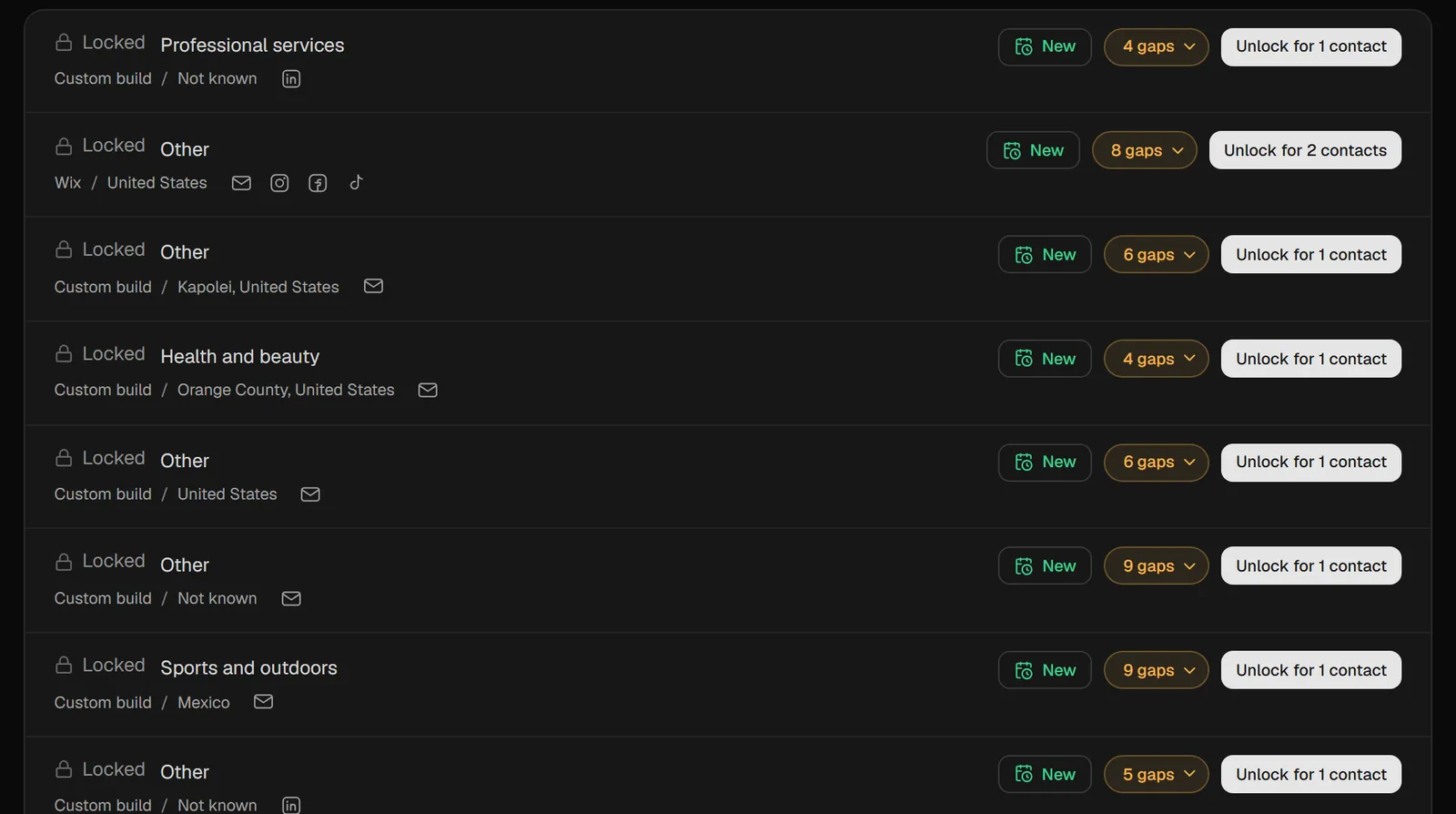
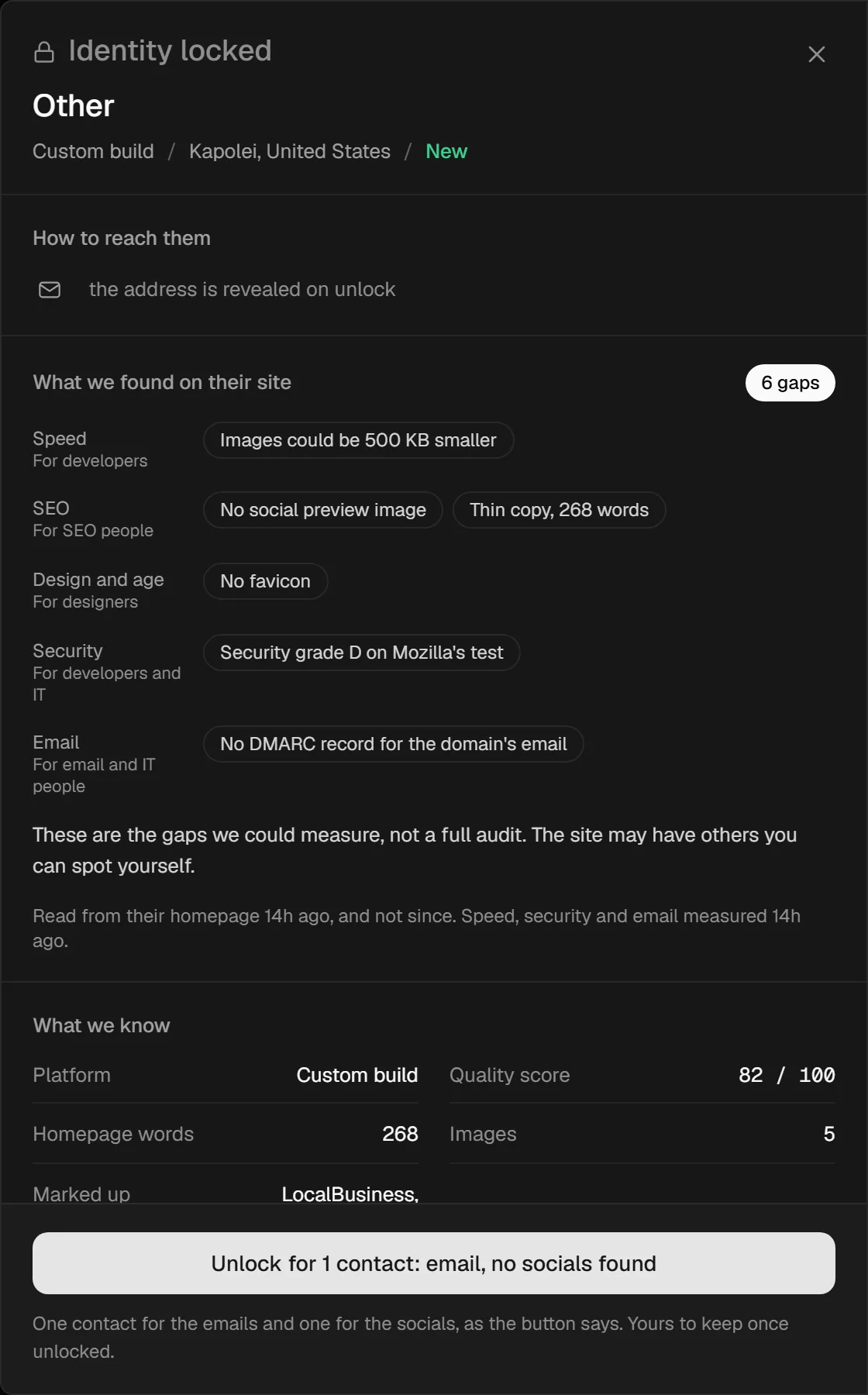
Vetted Leads does that sorting for you. It reads the certificate logs as sites go live, checks that each one is a real business and not a parked page or a placeholder, lists the gaps on its homepage (the missing meta description, structured data, alt text and the rest of the table above), and checks the email with the business's own mail server, so only addresses the server confirms reach the feed. Each business appears the day its site goes live. You can find SEO clients there and try it free with 3 contacts, no card.
What does a first hour of SEO prospecting look like?
Pick one niche and one town you know. Find five sites that launched this week, using the certificate logs, social launch posts or the past-week filter in Google. For each one, confirm it is new and real, note the one gap you would fix first, check the owner's email with their mail server, and send a short note like the one above.
If you would rather start with a list that is already sorted, try Vetted Leads free and spend your 3 contacts on the businesses that launched today.
Questions people ask
How can you tell if a business needs SEO?
Look at its homepage and at Google. A homepage with no meta description, no structured data, images with no alt text or a slow mobile load is missing basics that search engines read. Then search site:theirdomain.com. If few or no pages come back, Google barely knows the site exists, and the owner has a problem they can understand without any jargon.
Is a brand new website too early for SEO?
No, it is the cheapest time to do it. The basics (titles, descriptions, structured data, alt text, a sensible page structure) are easier to set up before the site grows than to fix across hundreds of pages later. What a new site cannot have yet is history, so be honest that rankings take time and sell the setup, not a promised position.
How do you check whether Google has indexed a website?
Search site: followed by the domain, for example site:example.com. It gives a rough count, not an exact one. Only the site owner can see the full picture, in Google Search Console, which is a good reason to offer to set Search Console up as part of a first job.
What SEO service should you offer a brand new business first?
Something small, fixed and visible on their own homepage: writing the meta descriptions, adding structured data, filling in alt text, or setting up Search Console and a sitemap. A small first job lets the owner see how you work before they commit to anything monthly.
Where can I get a daily list of new businesses that need SEO?
Vetted Leads lists businesses the day their website goes live, shows the gaps on each homepage, and gives the email, checked with the business's own mail server, where one exists. The free plan has 3 contacts to try, with no card, at [vettedleads.app](/).